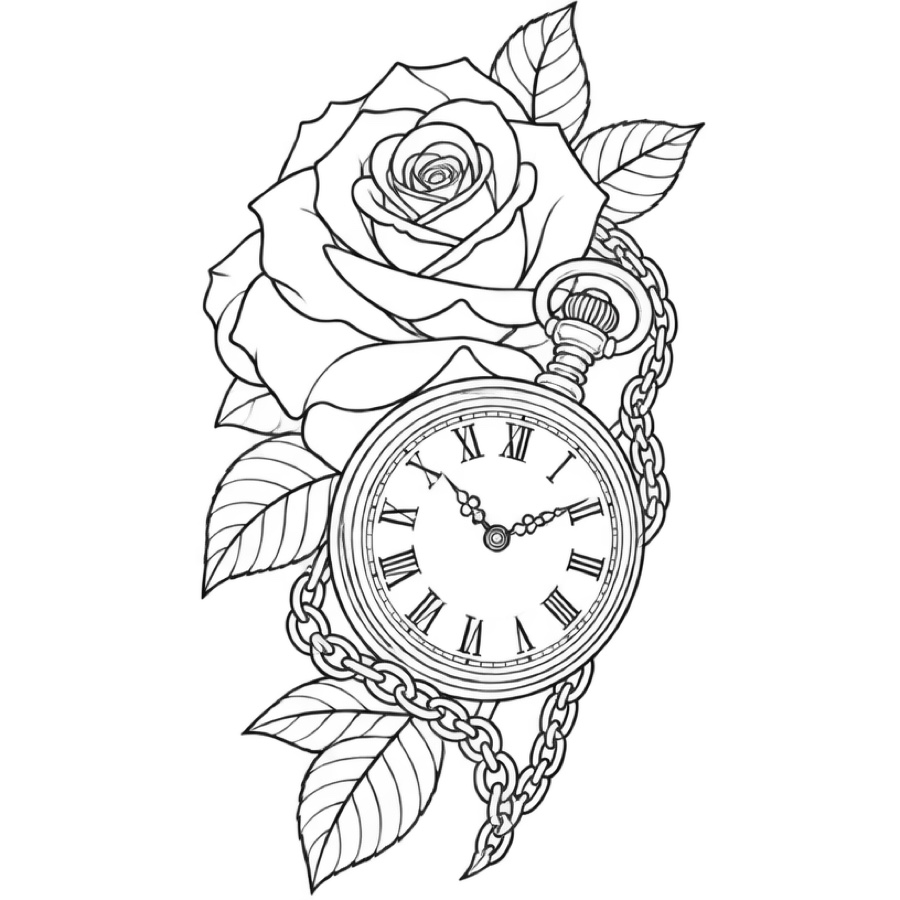
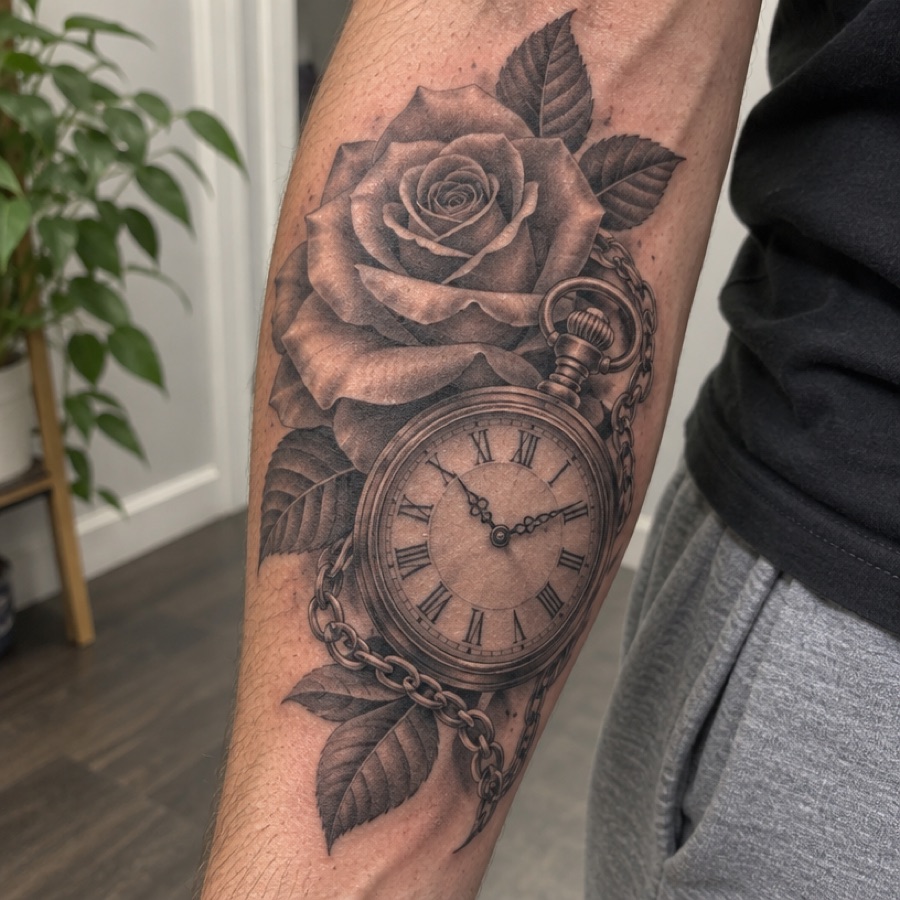
Rose and pocket watch on a forearm
Clean outline
The design is flattened off the curve of the arm. Rose, watch face and chain all come through as single-weight lines.
Your first stencil is free
Take a photo of a tattoo on skin and get black line art on white. The AI removes the skin, glare and background, flattens the design and keeps the lines you need.
The tattoo photos below are AI-generated sample photos, not customer photos. Each stencil is what this tool returned for it, untouched. Drag the slider to compare, and read what the AI changed.
Clean outline
The design is flattened off the curve of the arm. Rose, watch face and chain all come through as single-weight lines.
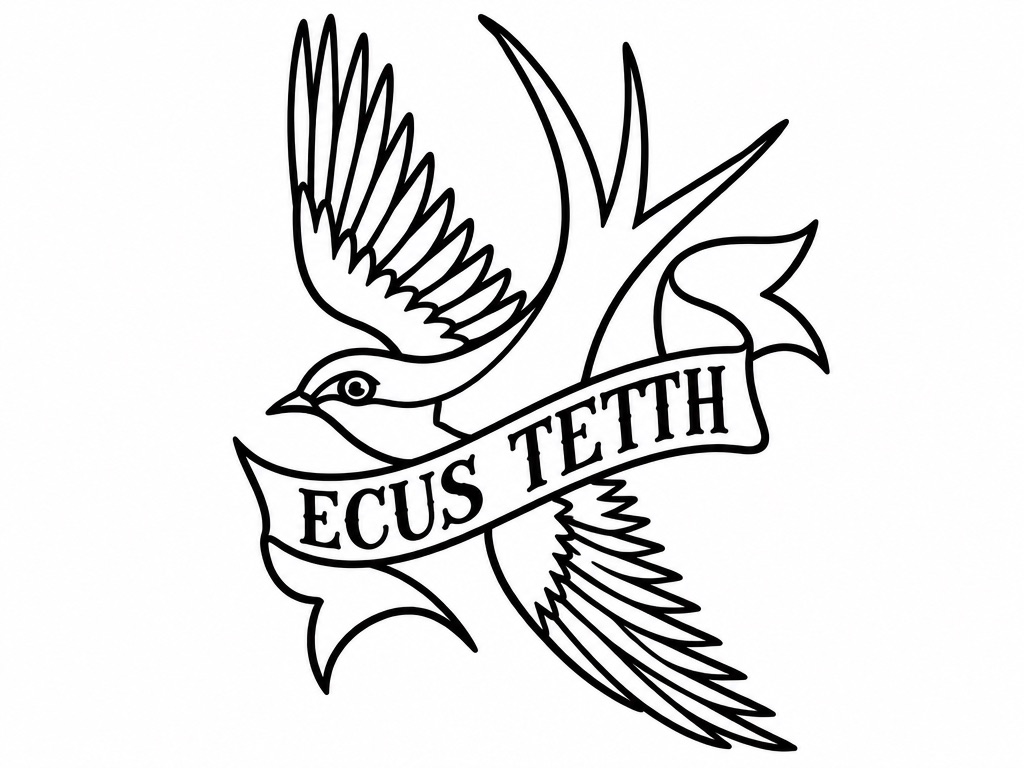
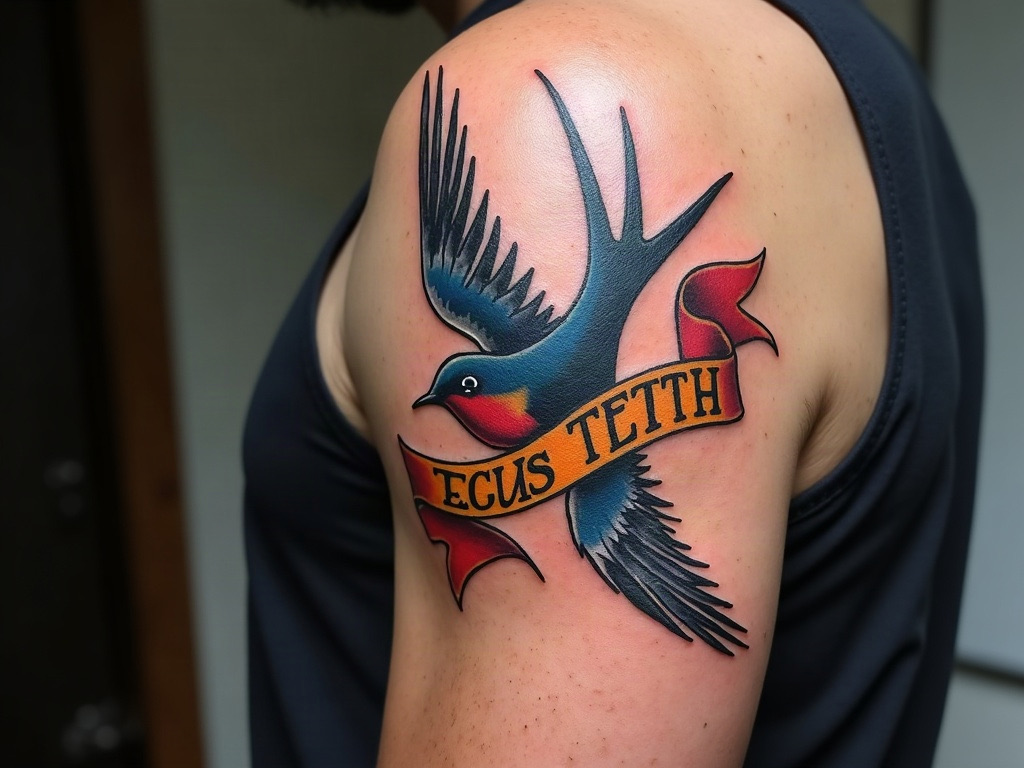
Clean outline
The wings and the banner wrap around the arm and come out flat. The banner text is copied exactly as photographed, so check any lettering letter by letter.
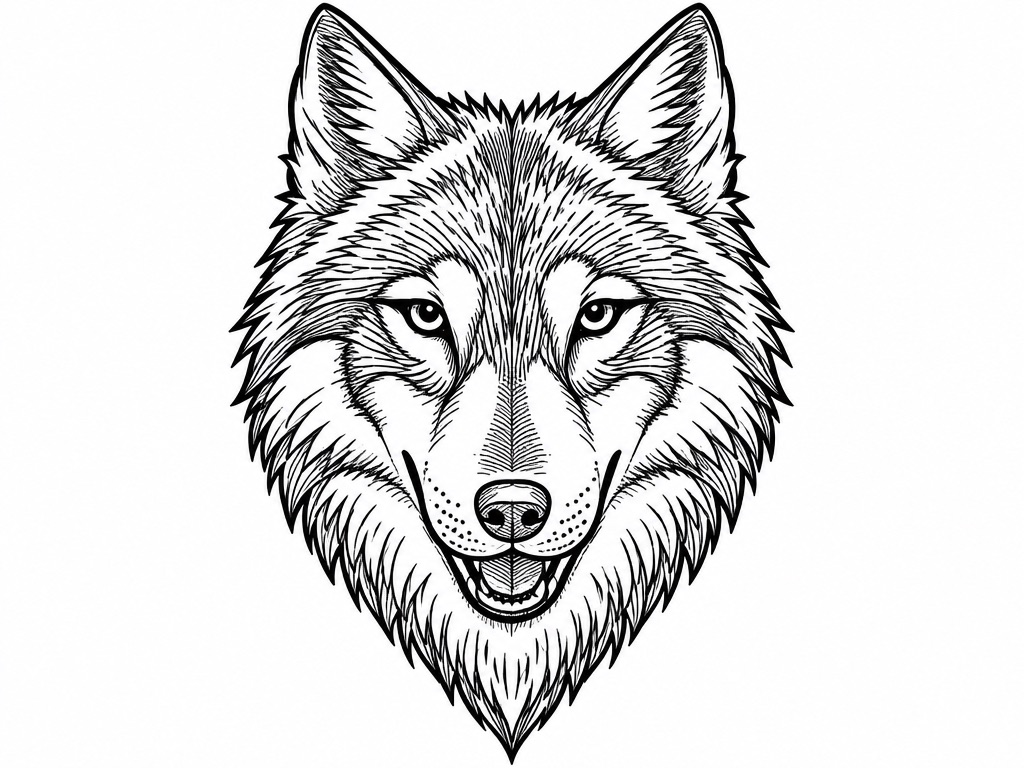
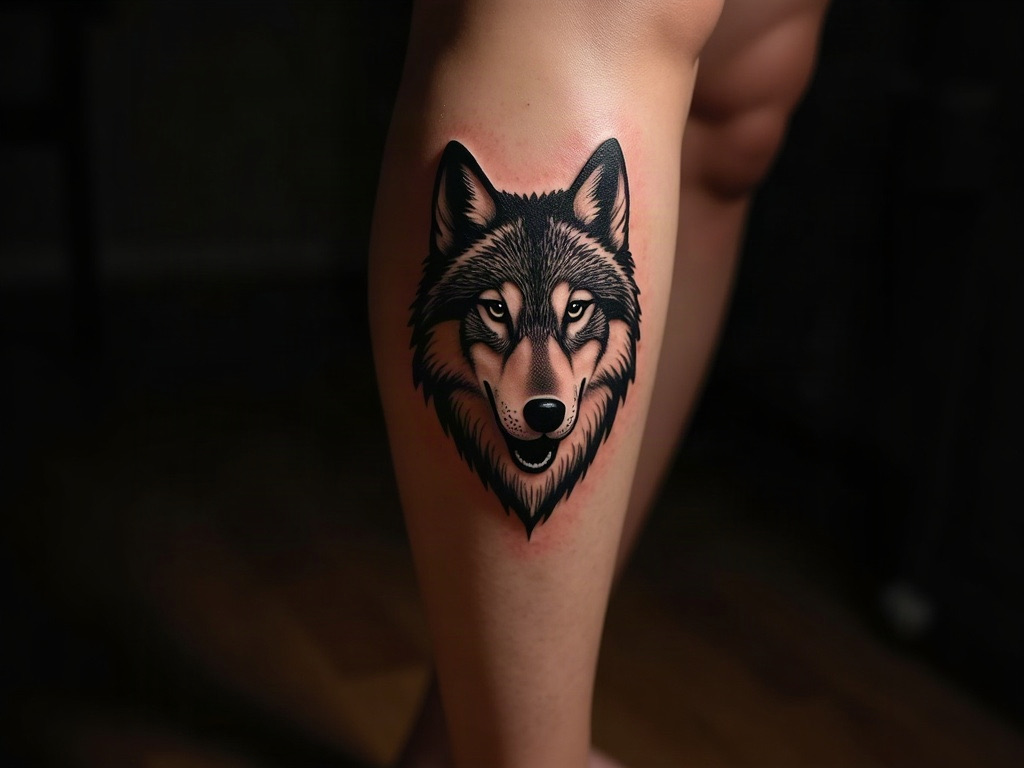
Shading guide
This sample photo is dark and low in contrast; the stencil has clear outlines, with hatching across the fur. The AI changed the expression: the wolf’s mouth is drawn wide open, not nearly closed as in the photo.
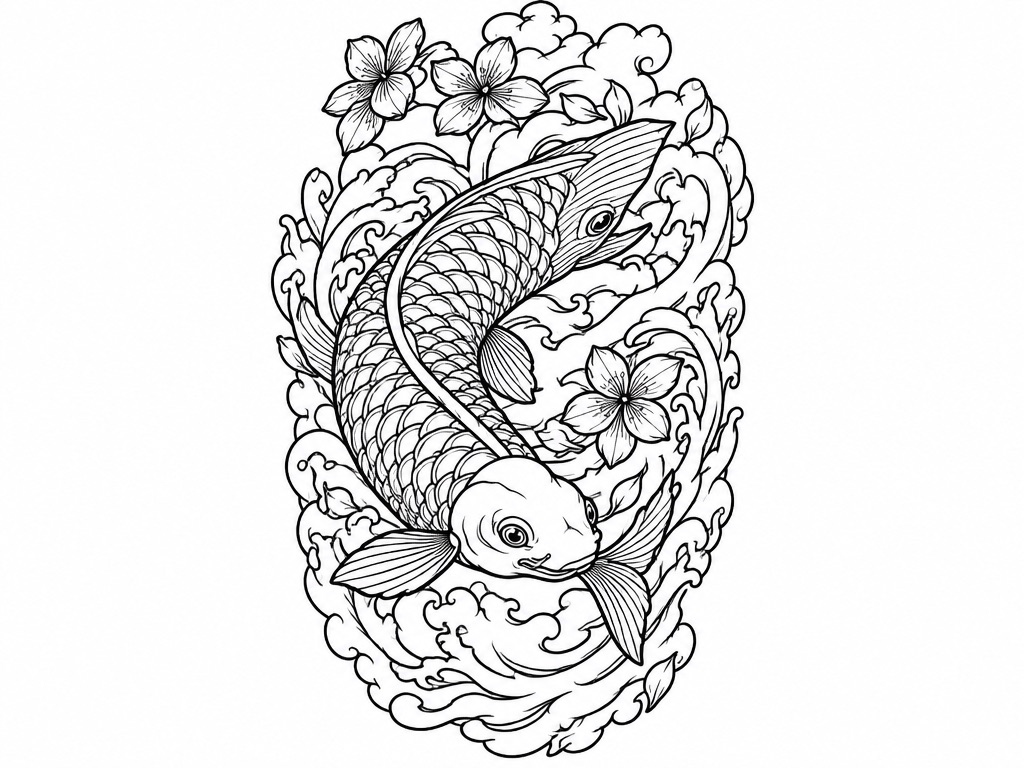
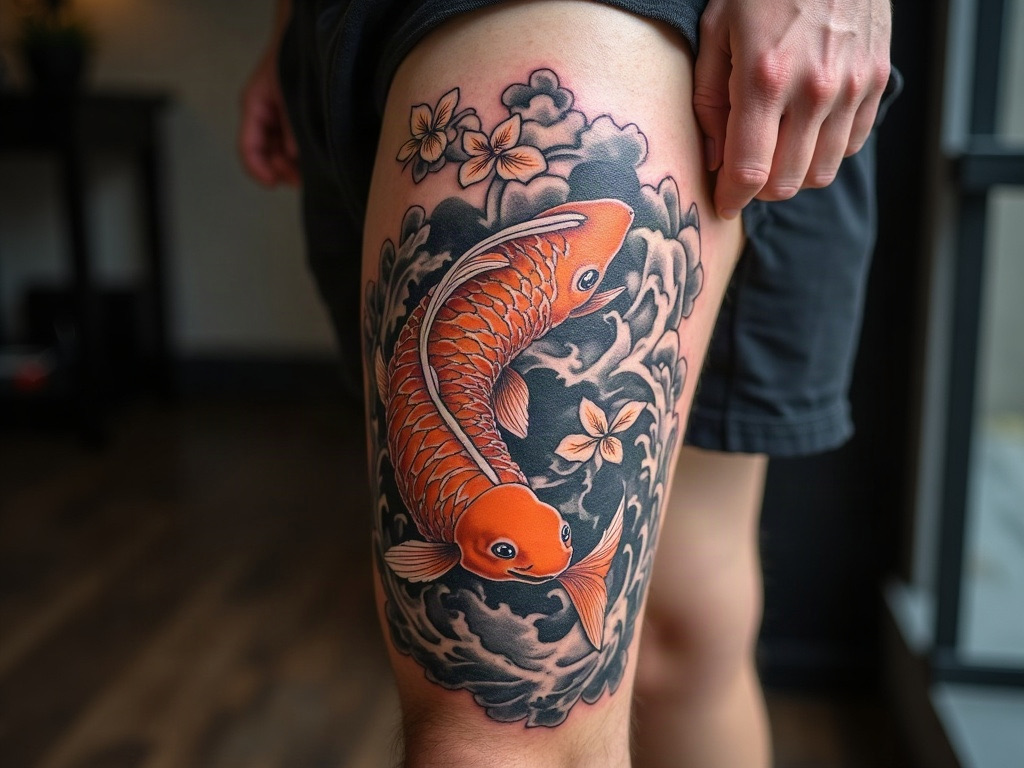
Detailed linework
Scales, waves and blossoms all come through. The fish is redrawn rather than traced, and the AI added extra waves to fill the background, so compare it with your photo.
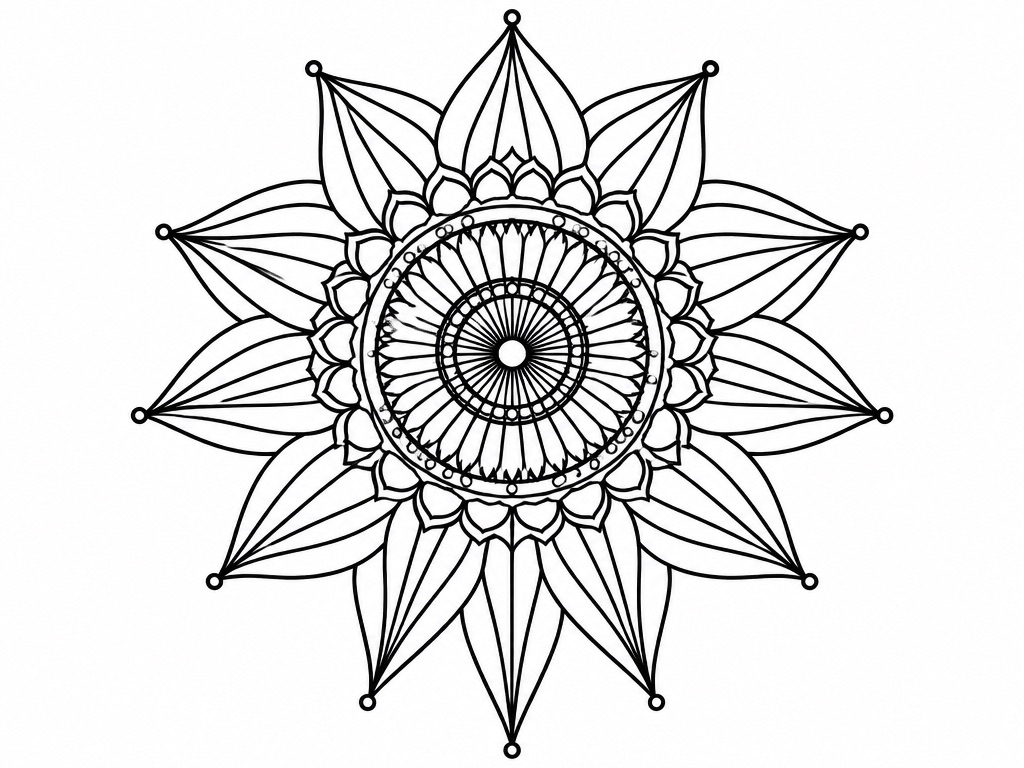
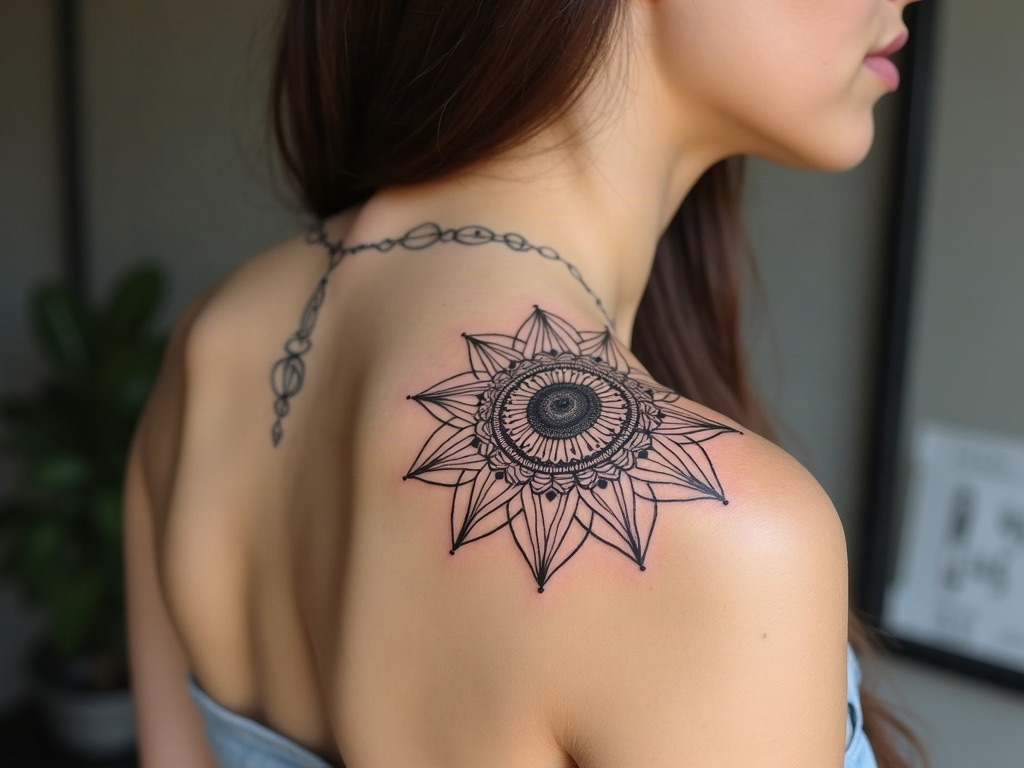
Clean outline
The petals and rings stay symmetrical. The dense dotwork in the center is drawn as fine lines, and the solid dots at the tips become small open circles, so add dotwork back by hand if you want it.
No sign-in needed
These three stencils came out of this tool from an AI-generated sample photo of a forearm tattoo, untouched. Pick a style and drag the slider to compare it with the photo. Nothing is uploaded and nothing is used up.
Bold single-weight outlines of the rose, the watch and the chain. The easiest to transfer and to line.
Hold the phone square to the tattoo with the whole design in the frame.
Daylight from a window beats flash. Wipe off ointment so it does not shine.
Compare the stencil with your photo, fix any detail, then print a test.
You can switch between the three styles on the sample above without signing in. To turn your own photo into a stencil, sign in with Google; your first stencil is free.
No. The AI draws the stencil fresh from your photo, so it can add, drop or reshape details, as the notes under each example show. Treat it as a clean starting point and correct it against the photo before you transfer it.
A sharp photo taken straight on, in soft, even light, with the whole tattoo in the frame. Glare, blur and deep shadow cost detail, so retake the photo if the lines are hard to see.
Clean outline for bold and traditional pieces. Detailed linework for fine-line, realism and busy designs. Shading guide when you also want marks for where the shading goes.
The tool gives you a PNG and does not set a print size. Scale it in the app you print from, such as Procreate or your stencil printer’s software, and print a test sheet first.
Only with permission. A tattoo design usually belongs to the artist who drew it, so ask before you copy their work.
Upload it, pick a style, download the stencil. The first one is free.